Are You Getting The Sidekick LX 2009?

Showing posts with label Key Guards. Show all posts

2008-09-14

Are You Missing Out on Key Guards?

The key guard is the image displayed on your Sidekick when it's on idle. All my themes come with a key guard included and sometimes the key guard image is the best part of the theme but since the key guard is never loaded automatically on the new Sidekicks (08/LX/Slide), it seems a lot of people are missing out on them. I don't think anyone should miss out on key guards so I'll briefly explain how to load them on your phone.

1 - Load the theme to your phone as you normally would but do not disconnect the phone from your computer.

2 - Find the theme's folder and copy the JPG file (some themes may have more than one key guard). If you have thumbnails enabled, the key guard is always the biggest image on there.

3 - Paste the JPG file in the DCIM folder of your phone's memory card then disconnect the phone from your computer.

4 - On your Phone go to: Settings... Key Guard & Security... and Select the Image.

5 - Press and Hold the back arrow button to view the key guard!

You can also watch the video on "How To Put Themes On A Sidekick",at the end of the video there's a part that shows you how to load the key guard.
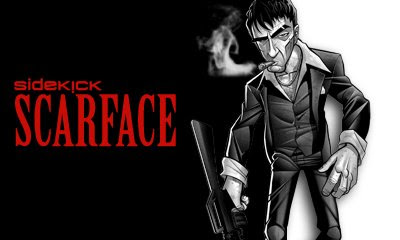

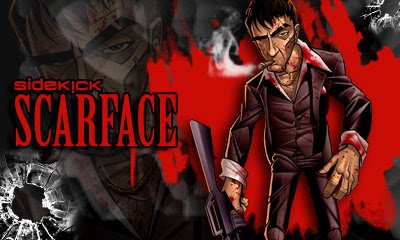
Here are some cool key guards for you to try!

Sidekick ScarfaceThe Joker ScarfaceScarface CartoonSk The Joker

2008-07-03

How To Fit Images

It sounds like something very simple to do yet, It seems many theme makers still can't figure out how to fit images. The easiest way to fit an image is obviously resizing it, but resizing doesn't always work. If you take a squared wallpaper of a ball and resize it for a rectangular shaped screen, the ball is going to start looking more like an egg. In this video, I will show you how to use the aspect ratio lock feature on Adobe Photoshop to keep the proportions of your images. This video also includes a couple tips you can use for filling space when the image doesn't fill up your wallpaper space. The wallpapers I made in this video are for the Sidekick LX, you can download the finished wallpapers below!

P.S. I used the Lil Wayne wallpaper below for Tha Carter III theme which can now be downloaded for SkLX & SkSlide.


Lil Wayne Tha Carter III

Mariah Carey Wallpaper